
 MeiFiles
Keyboard shortcuts
Every key that works in MeiFiles, from moving in the file list to the function-key bar.
MeiFiles is made to be used from the keyboard. This page lists the keys in the file list, every menu shortcut, and the function keys.
In the file list#
These keys work in the active pane.
| Key | Action |
|---|---|
↑↓ | Move the cursor up or down. In Brief and Thumbnail view, move one row. |
←→ | In Brief and Thumbnail view, move the cursor left or right. |
Return | Open the folder or archive under the cursor. A file opens in its default app. |
⌫ | Go to the parent folder. |
Tab | Switch to the other pane. |
Space | Show a file in Quick Look. On a folder, mark or unmark it. |
Esc | Close Quick Look. |
F9 | In 90s Classic, open the menus. |
With Vi-style navigation turned on in Settings > Keyboard, you can also use h, j, k, l and G.
File menu#
| Command | Shortcut |
|---|---|
| New Window | ⌘N |
| New Folder | ⇧⌘N |
| New File | ⌥⌘N |
| New File and Edit… | ⌥⇧⌘N |
| Open | ⌘O |
| Quick Look | ⌘Y |
| Rename… | ↩ |
| Duplicate | ⌘D |
| Copy to Other Panel… | F5 |
| Move to Other Panel… | F6 |
| Delete | ⌘⌫ |
| Open in External Editor | F4 |
| Get Info | ⌘I |
| Verify Checksums… | ⇧⌘K |
| Find Files… | ⌘F |
| Reveal in Finder | ⇧⌘R |
| Open in Terminal | ⇧⌘O |
Edit menu#
| Command | Shortcut |
|---|---|
| Undo File Operation | ⌘Z |
View menu#
| Command | Shortcut |
|---|---|
| Detail View | ⌘2 |
| Brief View | ⌘4 |
| Thumbnail View | ⌘1 |
| Column View | ⌘3 |
| Size View | ⌘5 |
| Toggle Hidden Files | ⇧⌘. |
| Refresh | ⌘R |
| Toggle Sidebar | ⌥⌘S |
| Toggle Tree Sidebar | ⇧⌘T |
| Toggle Preview | ⇧⌘P |
| Transfer Queue | ⇧⌘U |
| Zoom In | ⌘+ |
| Zoom Out | ⌘- |
| Actual Size | ⌘0 |
Go menu#
| Command | Shortcut |
|---|---|
| Go to Parent | ⌘↑ |
| Go to Home | ⇧⌘H |
| Go to Root | ⌘/ |
| Go to Path… | ⇧⌘G |
| Back | ⌘[ |
| Forward | ⌘] |
| Go to Matching File | ⇧⌘J |
| Connect to Server… | ⌘K |
Panel menu#
| Command | Shortcut |
|---|---|
| Switch Panel | ⇥ |
| Swap Panels | ⌘U |
| Sync Panels | ⌥⌘Y |
| Equal Panel Size | ⌘= |
| Toggle Single Pane | ⌥⌘1 |
| Toggle Horizontal/Vertical Split | ⌥⌘2 |
| New Tab | ⌘T |
| Close Tab | ⌘W |
| Next Tab | ⌃⇥ |
| Previous Tab | ⌃⇧⇥ |
Selection menu#
| Command | Shortcut |
|---|---|
| Select All | ⌘A |
| Deselect All | ⇧⌘A |
| Invert Selection | ⇧⌘I |
| Select by Pattern… | ⌥⌘= |
| Deselect by Pattern… | ⌥⌘- |
| Mark Newer Files | ⇧⌘M |
| Restore Previous Selection | ⌥⌘R |
Tools menu#
| Command | Shortcut |
|---|---|
| Compare Files… | ⌥⌘D |
| Compare Directories | ⇧⌘C |
| Compare Directories by Content | ⌥⇧⌘C |
| Synchronize Directories… | ⇧⌘Y |
| Operation Log… | ⌥⌘L |
Help menu#
| Command | Shortcut |
|---|---|
| Keyboard Shortcuts | F1 |
Bookmarks menu#
| Command | Shortcut |
|---|---|
| Add Bookmark | ⌃⌘D |
Function-key bar#
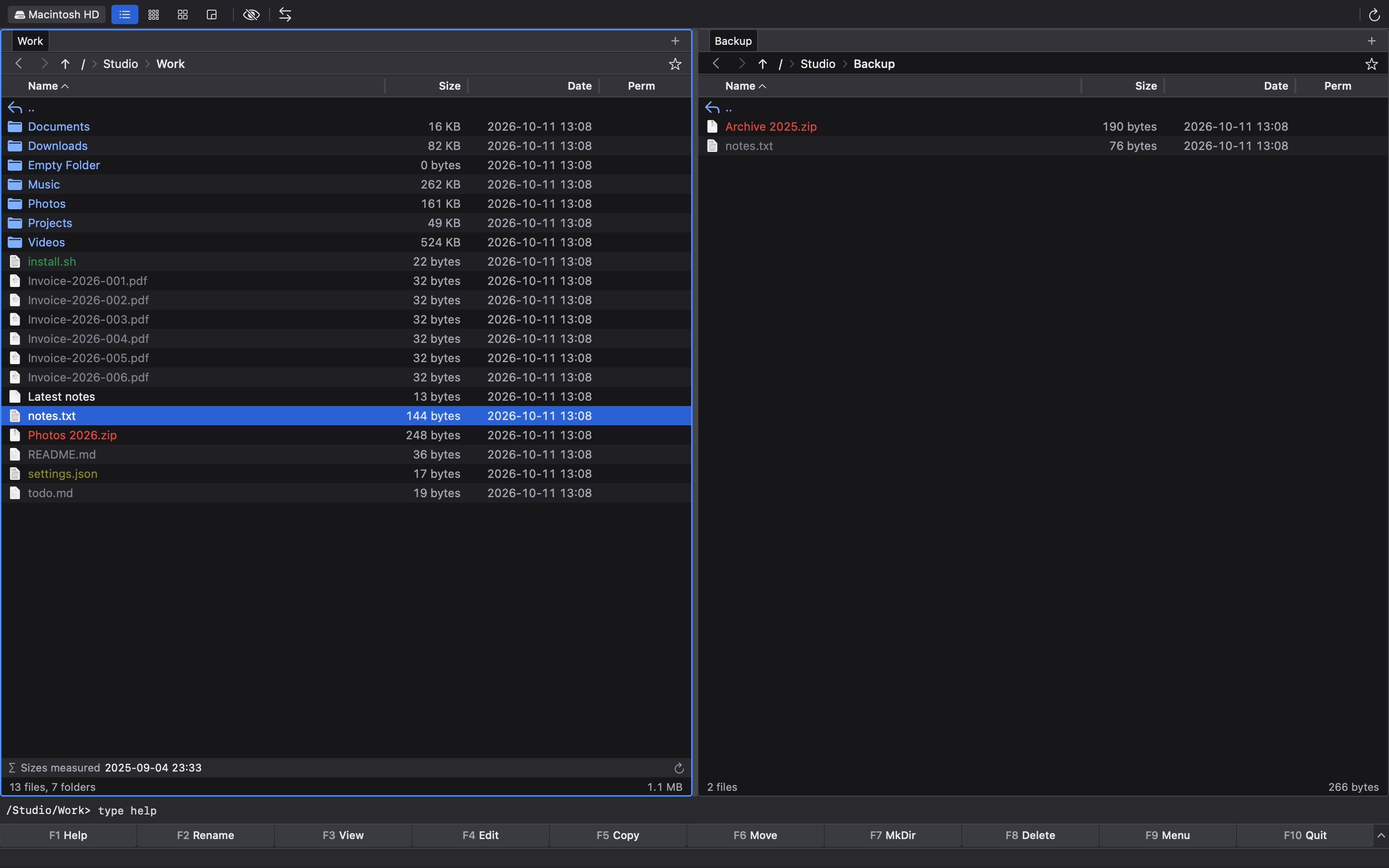
The function keys work in every theme. Classic themes also show them along the bottom of the window.
| Key | Alone | With Shift | With Option |
|---|---|---|---|
F1 | Help | Sizes | Drives |
F2 | Rename | Batch | Tree |
F3 | View | Compare | Swap |
F4 | Edit | NewEdit | Close |
F5 | Copy | Dupe | Pack |
F6 | Move | Rename | Unpack |
F7 | MkDir | MkFile | Find |
F8 | Delete | Empty | Log |
F9 | Menu | — | — |
F10 | Quit | — | — |