
 MeiFiles
Open archives like folders
Look inside ZIP and TAR archives in a pane, and copy files out of them, without extracting them first.
Open an archive in a pane and work with its contents like a folder. You can view files and copy the ones you need to the other pane.
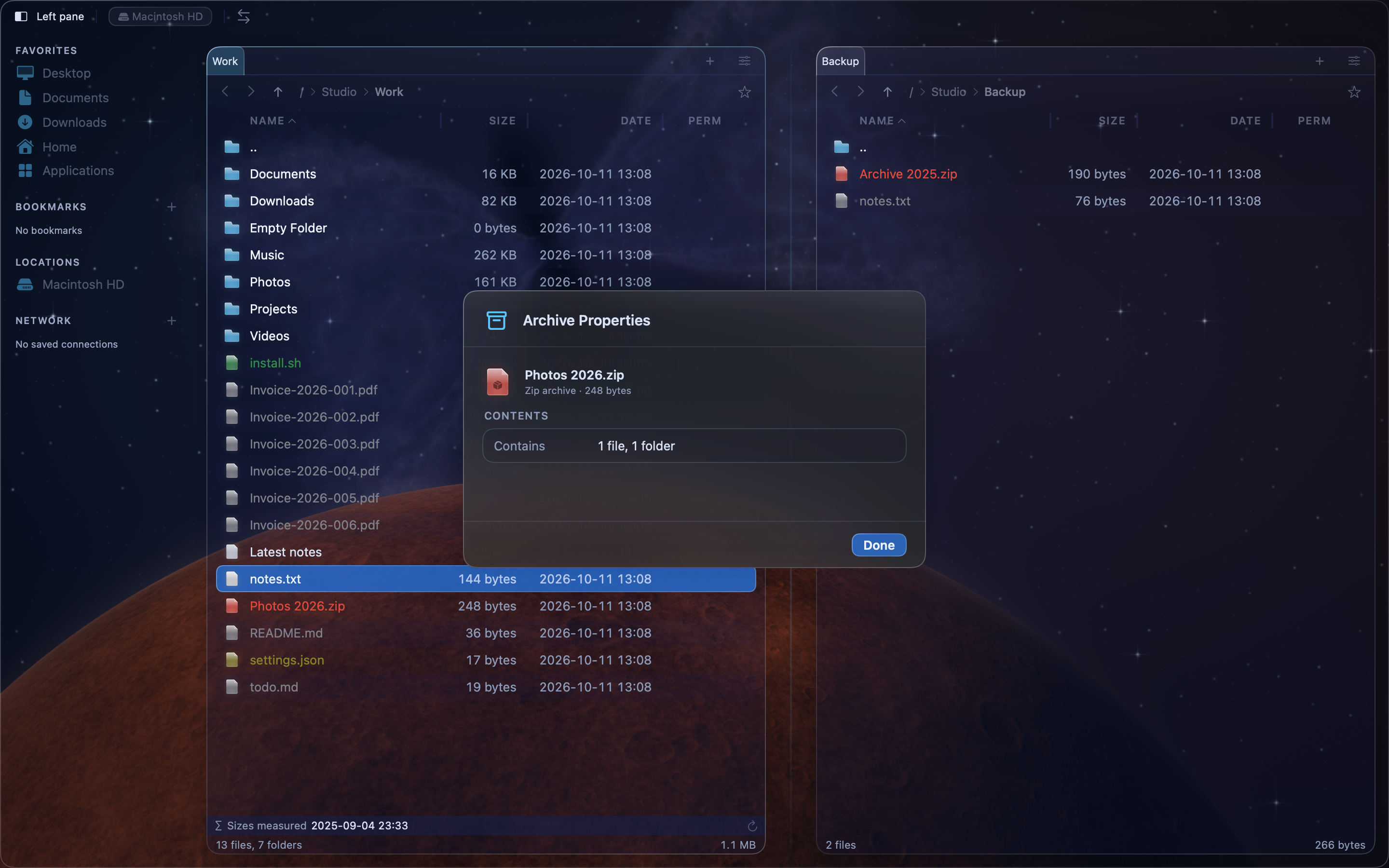
Open an archive#
- Put the cursor on the archive.
- Press
Return.
The pane shows the files and folders inside the archive. Open folders, view files and select them as usual.
If the archive is protected by a password, MeiFiles asks for it. See Use passwords and archive properties.
Copy files out of an archive#
- Open the archive in one pane.
- Open the destination folder in the other pane.
- Select the files, then press
F5.
Leave the archive#
Press ⌘[, or choose Go > Back. The pane returns to the folder that holds the archive.
Note: MeiFiles unpacks the archive to a temporary folder to show it. Changes you make there do not change the archive.
Open an archive inside an archive#
When an archive contains another archive, put the cursor on the inner archive and press Return. It opens the same way.
Supported formats#
| Format | File name extensions |
|---|---|
| ZIP | .zip, .jar, .ipa |
| TAR | .tar, .tgz, .tar.gz, .tar.bz2, .tar.xz |
The Mac App Store version cannot open 7z archives.