
 MeiFiles
utilities · macOS
Your files. Side by side.
A two-pane file manager for macOS 26 and later. Browse, copy and organize with the keyboard in charge.
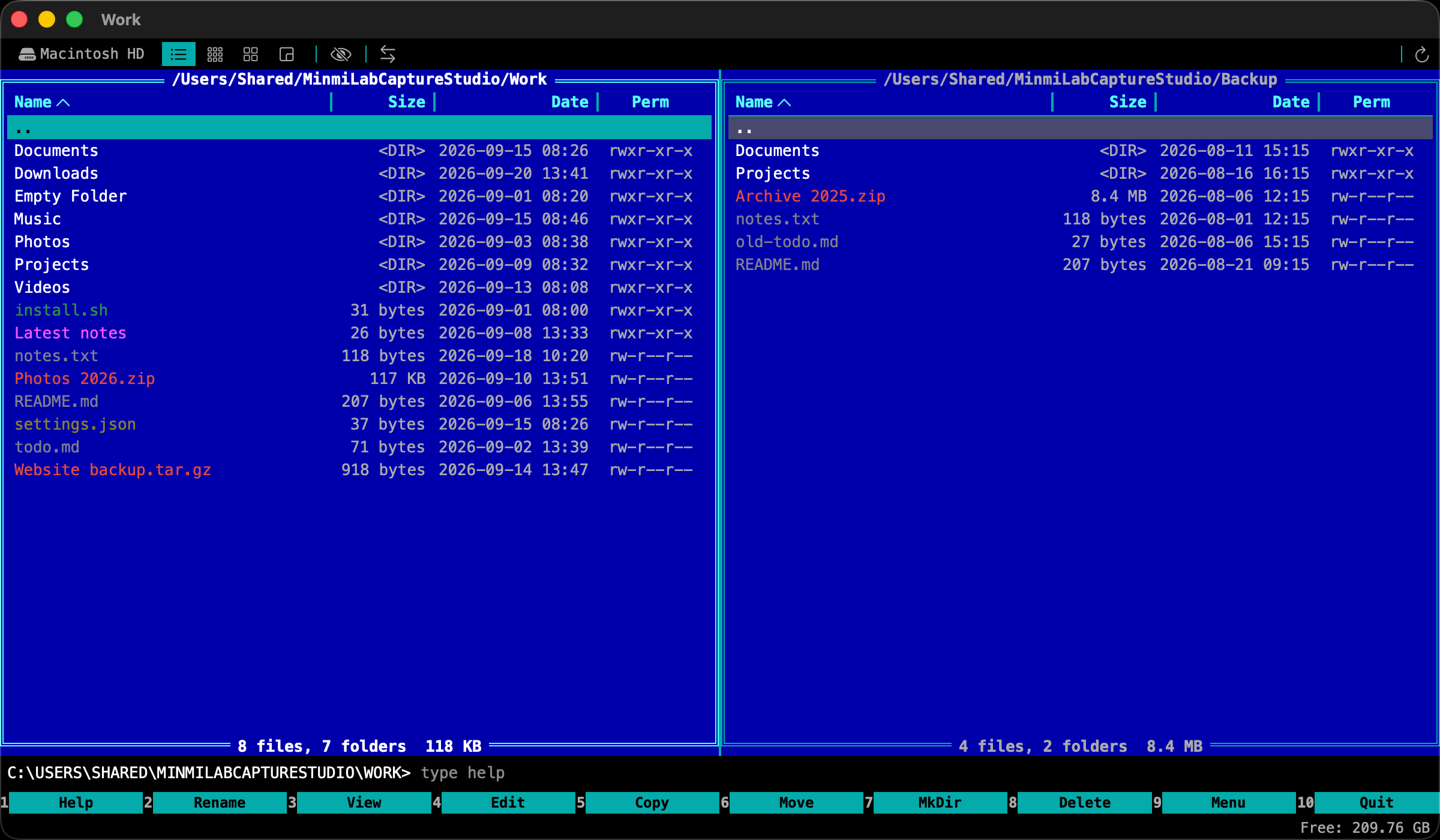
90s Classic
The familiar blue workspace of a classic file manager.

Sizes
See which folders take the most space. Each rectangle is sized by its folder total.
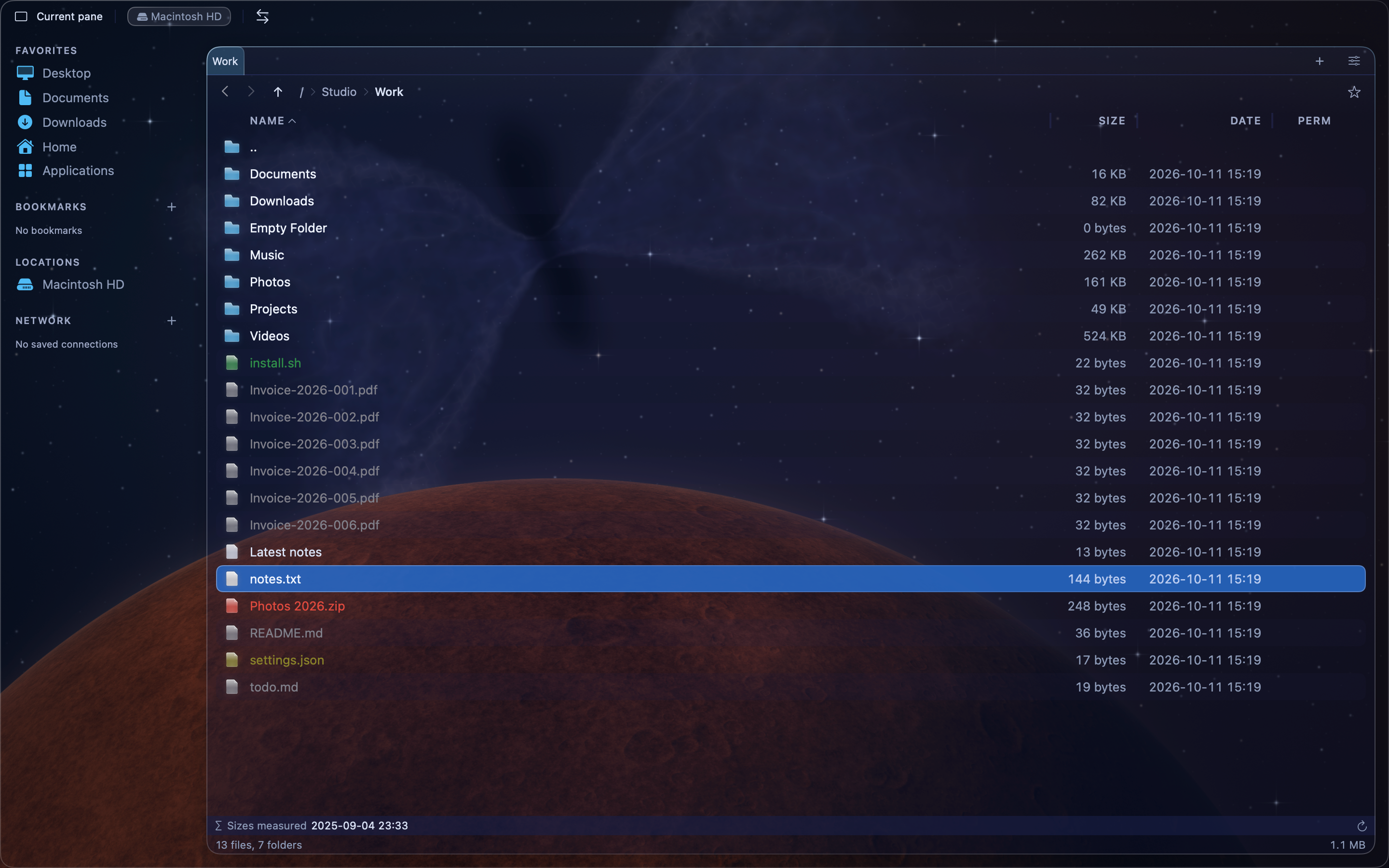
One panel
Give one file panel the full workspace.
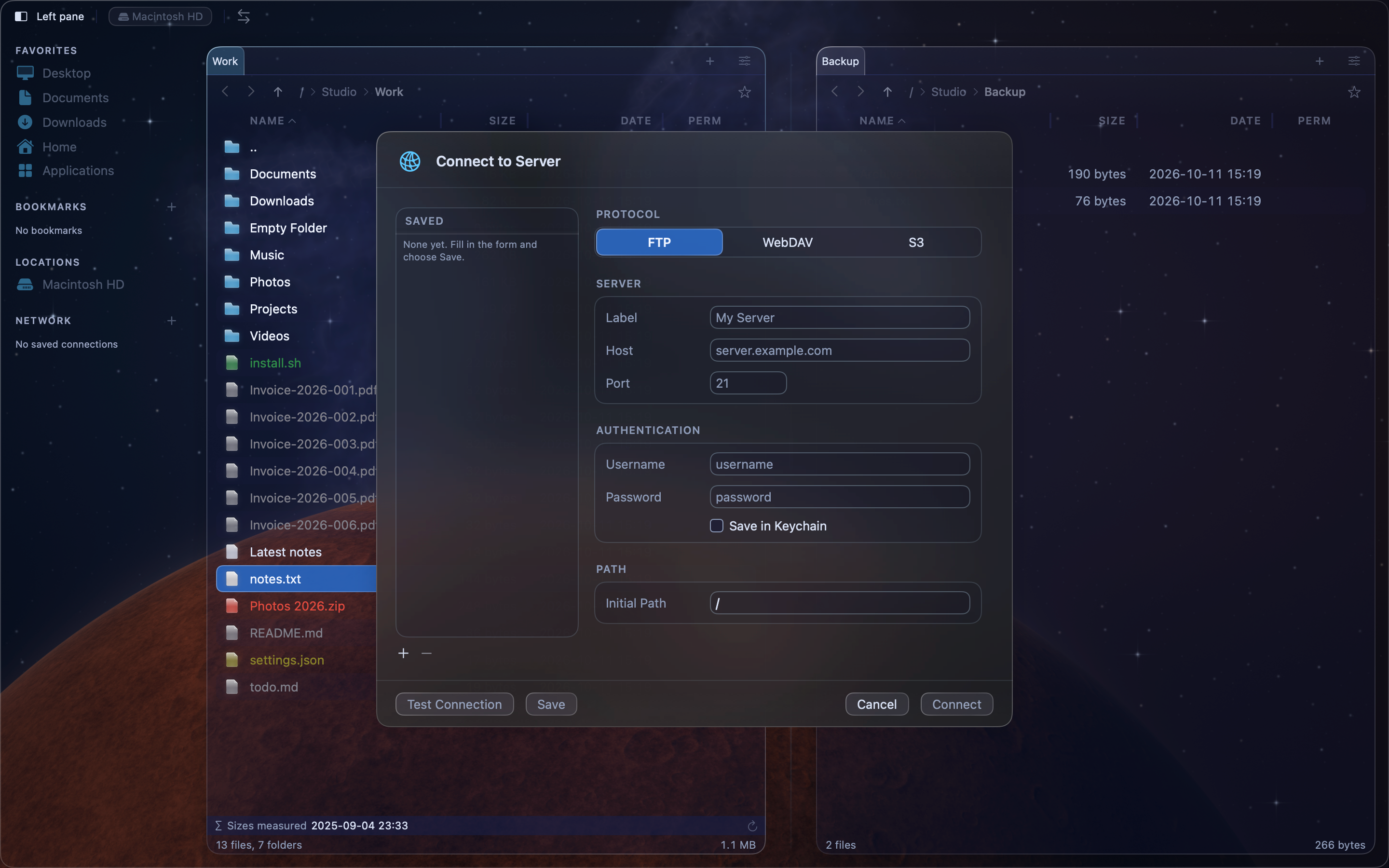
FTP
Set the server, port, username and starting folder for an FTP connection.
Source here. Destination there.
Press F5 to copy or F6 to move selected files to the other pane.
Learn more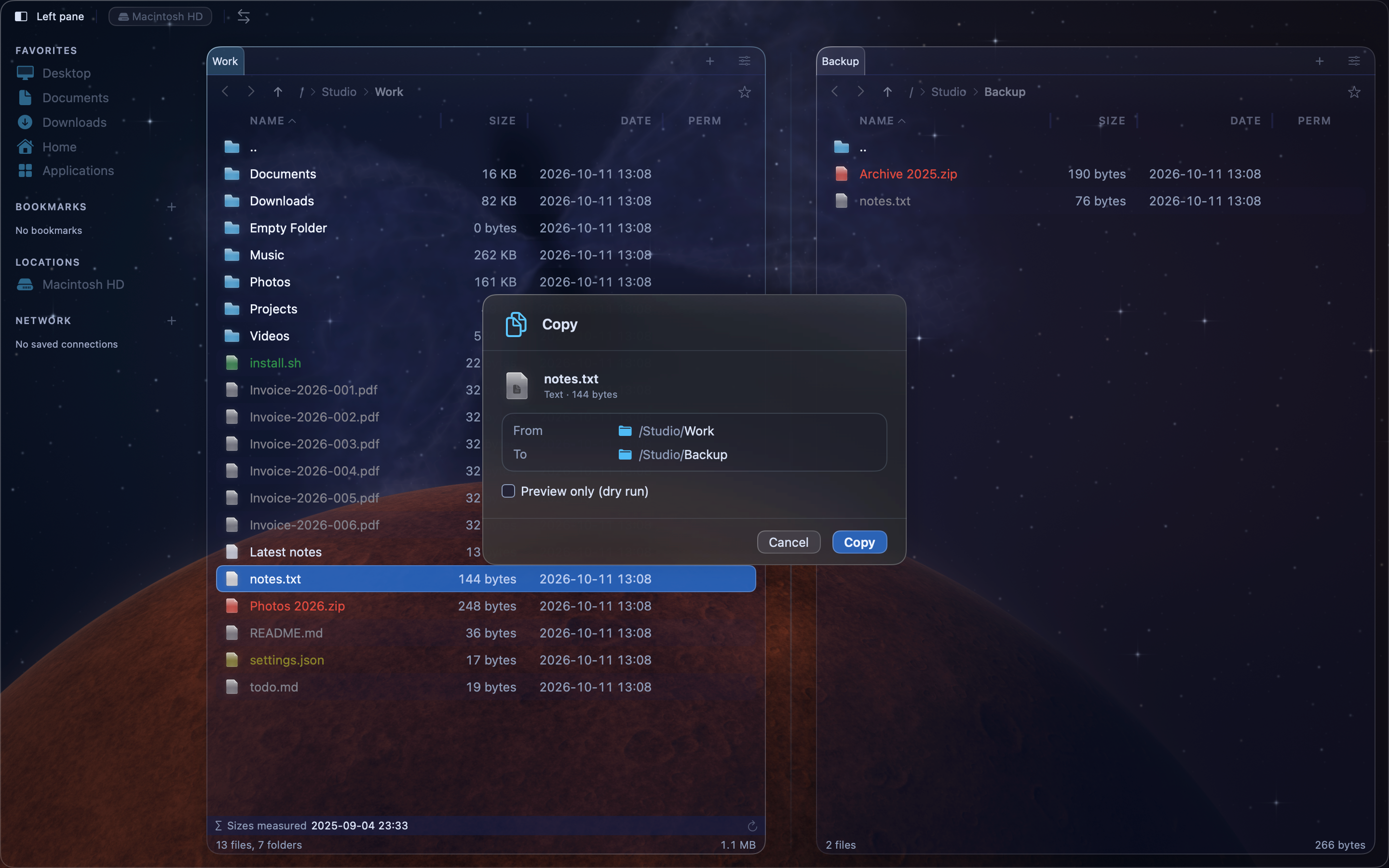
Keep your hands on the keyboard.
Switch panes with Tab. Open, select and organize files using familiar commands.
Learn more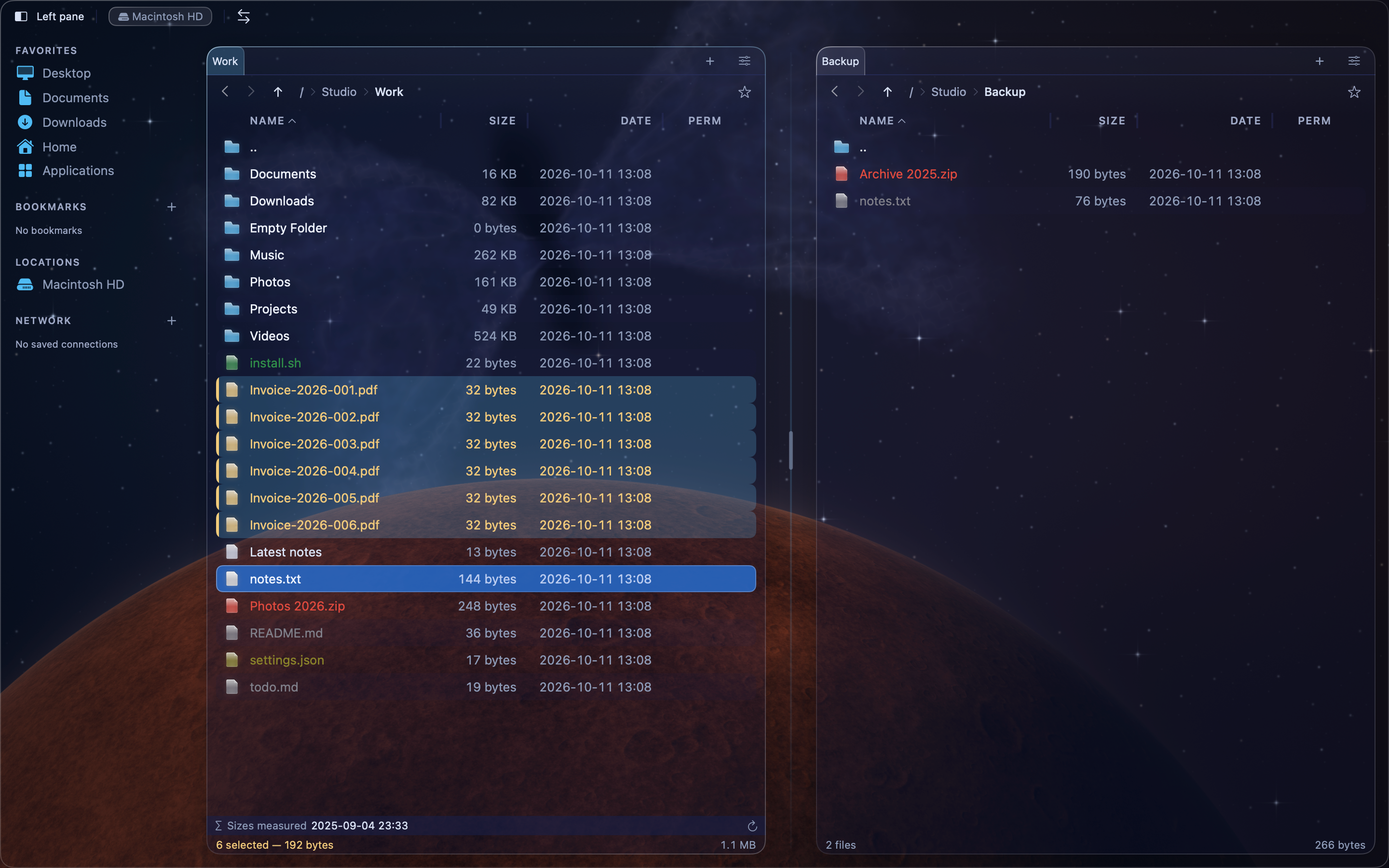
Find the file you need.
Search by name, content or regular expression. Compare files and synchronize folders.
Learn more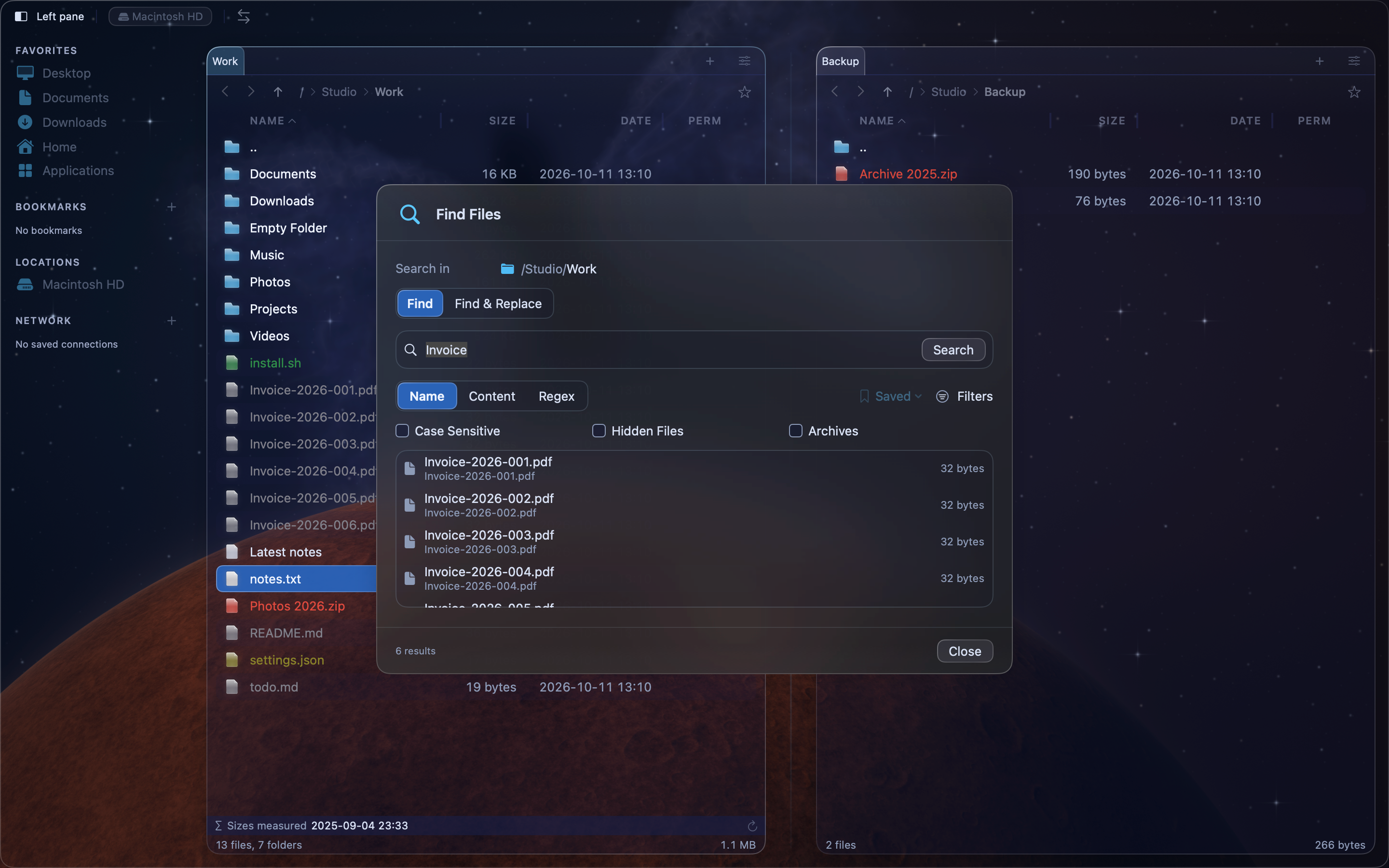
Make it yours
A familiar workspace. Your own look.
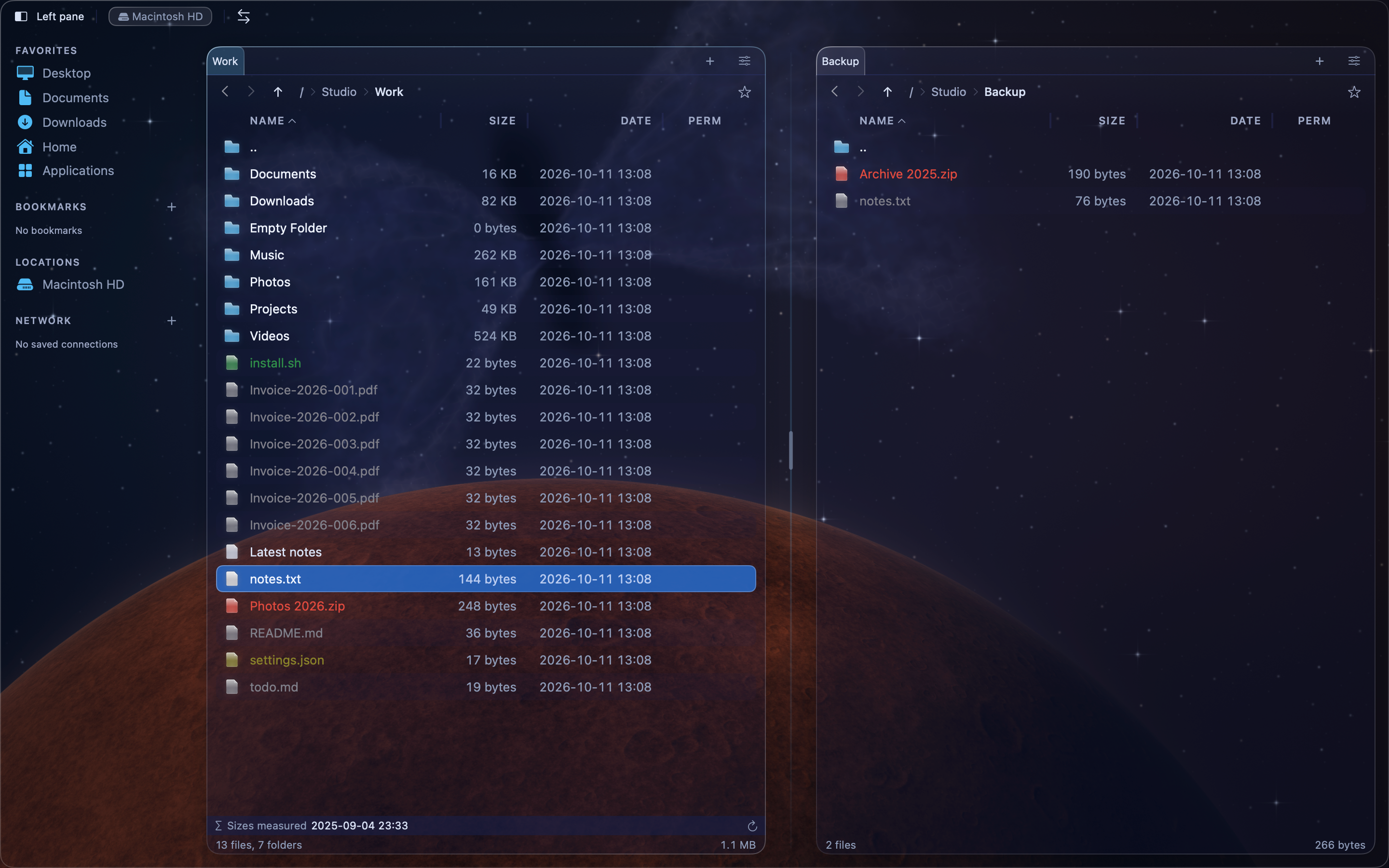
New Era · Space
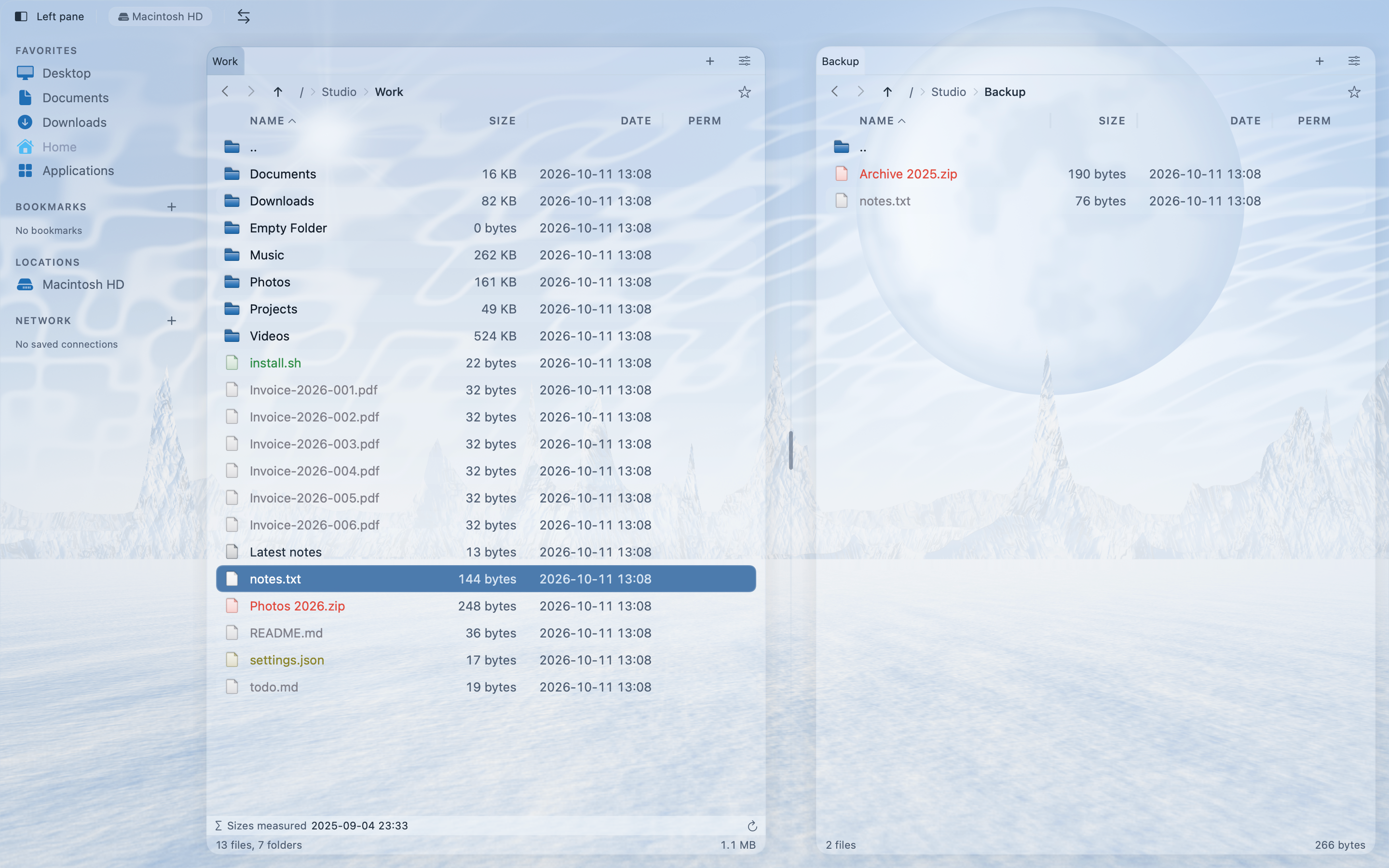
New Era · Winter
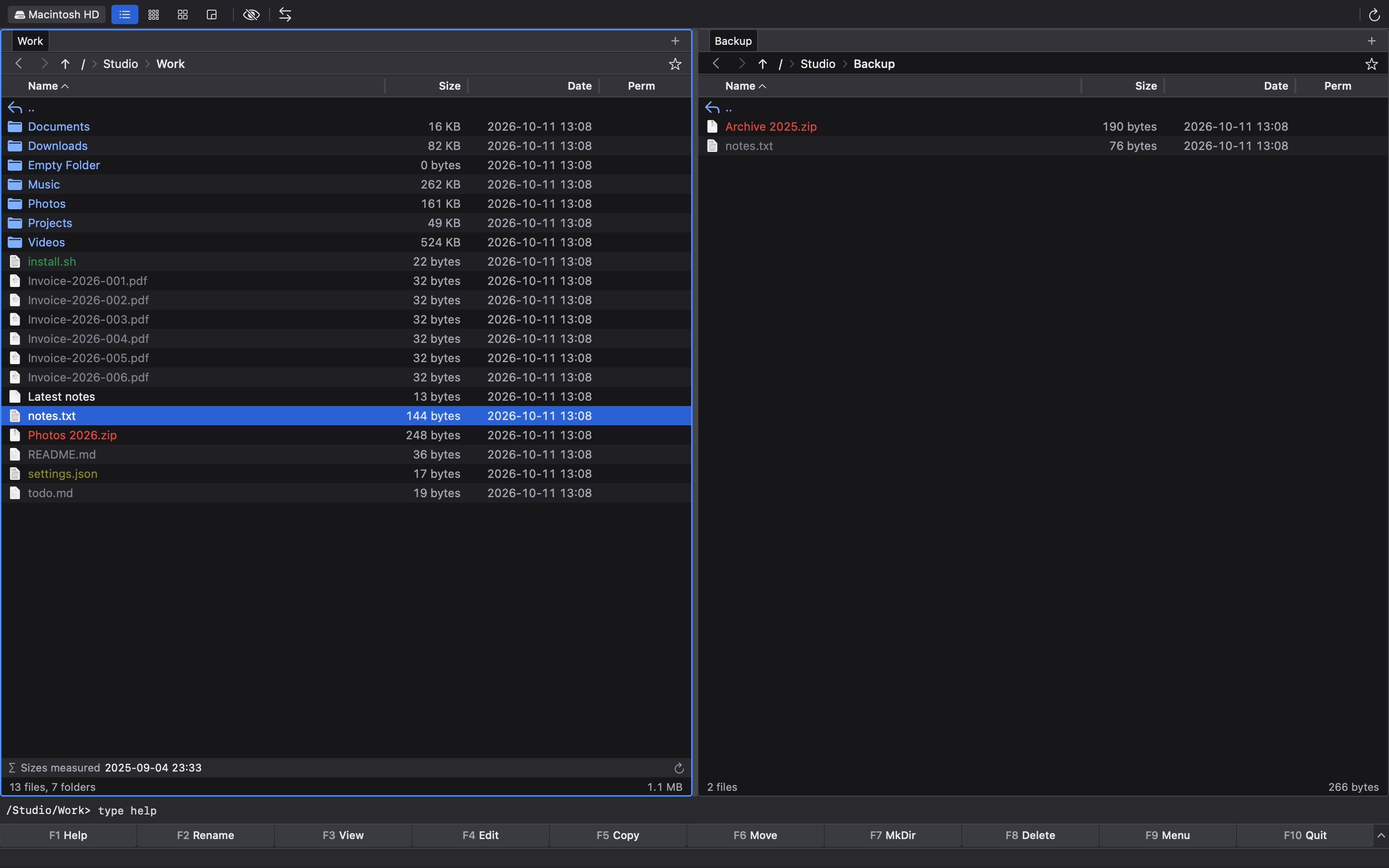
2000s Classic
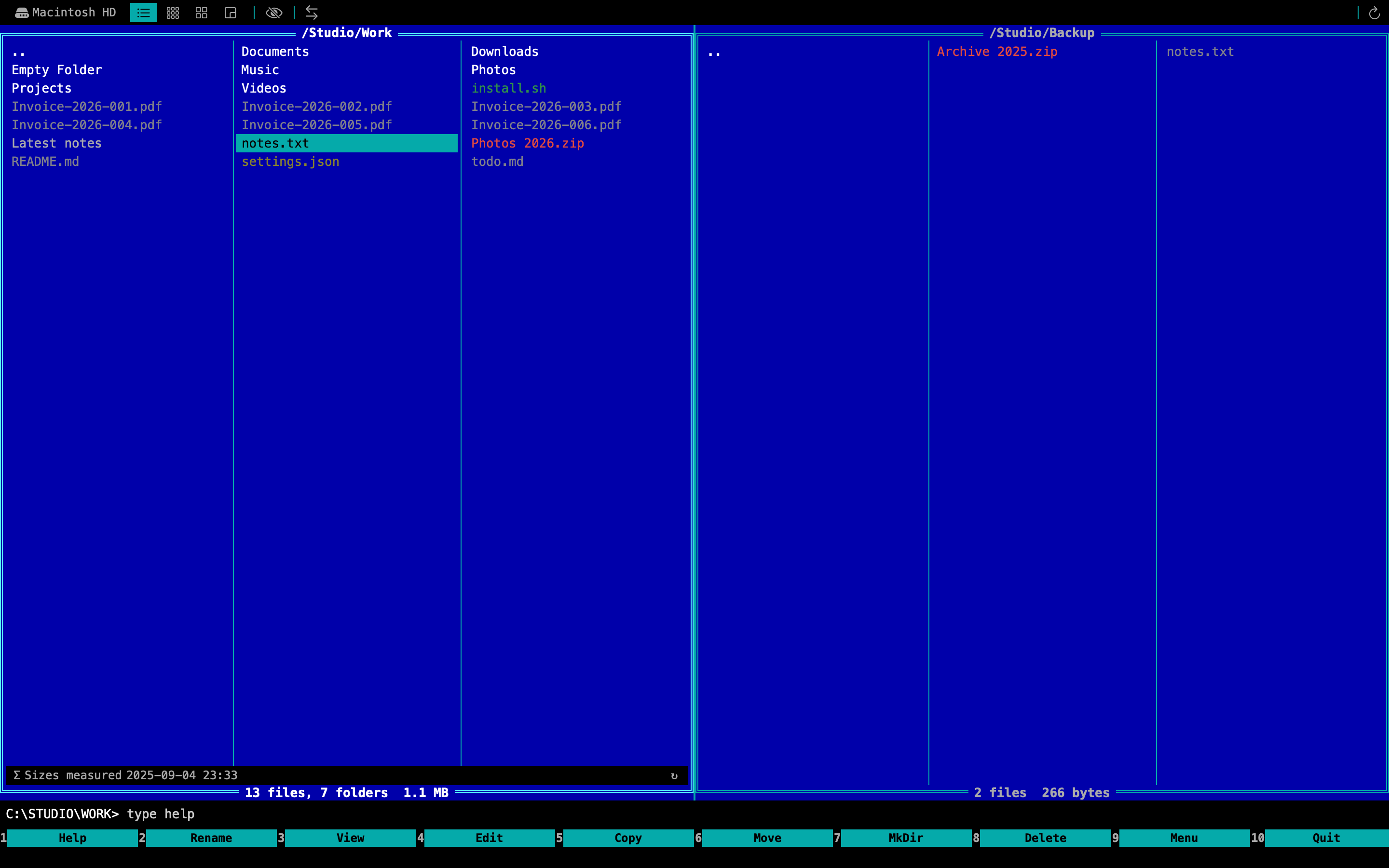
90s Classic
Make room for your next project.
A promotional motion presentation using real app screenshots. Not live operation footage.
Read the transcriptMade for your Mac.
- Operating system
- macOS 26.0 or later
- Distribution
- Mac App Store; availability is being confirmed
- Account
- No MinmiLab account required to download
Release notes
What’s next.
Release notes will be available when MeiFiles is released.
See history