
 MeiFiles
MeiFiles
Privacy
MeiFiles collects no data. This page lists the permissions it asks for and why.
MeiFiles does not collect any data. It has no analytics, no crash reporter and no advertising. It connects only to the servers you enter.
What stays on your Mac#
- Your settings, bookmarks and saved servers are stored on your Mac.
- Server passwords are stored in your macOS keychain.
- Folder sizes and disk measurements are stored on your Mac.
Permissions MeiFiles asks for#
| Permission | Why | When |
|---|---|---|
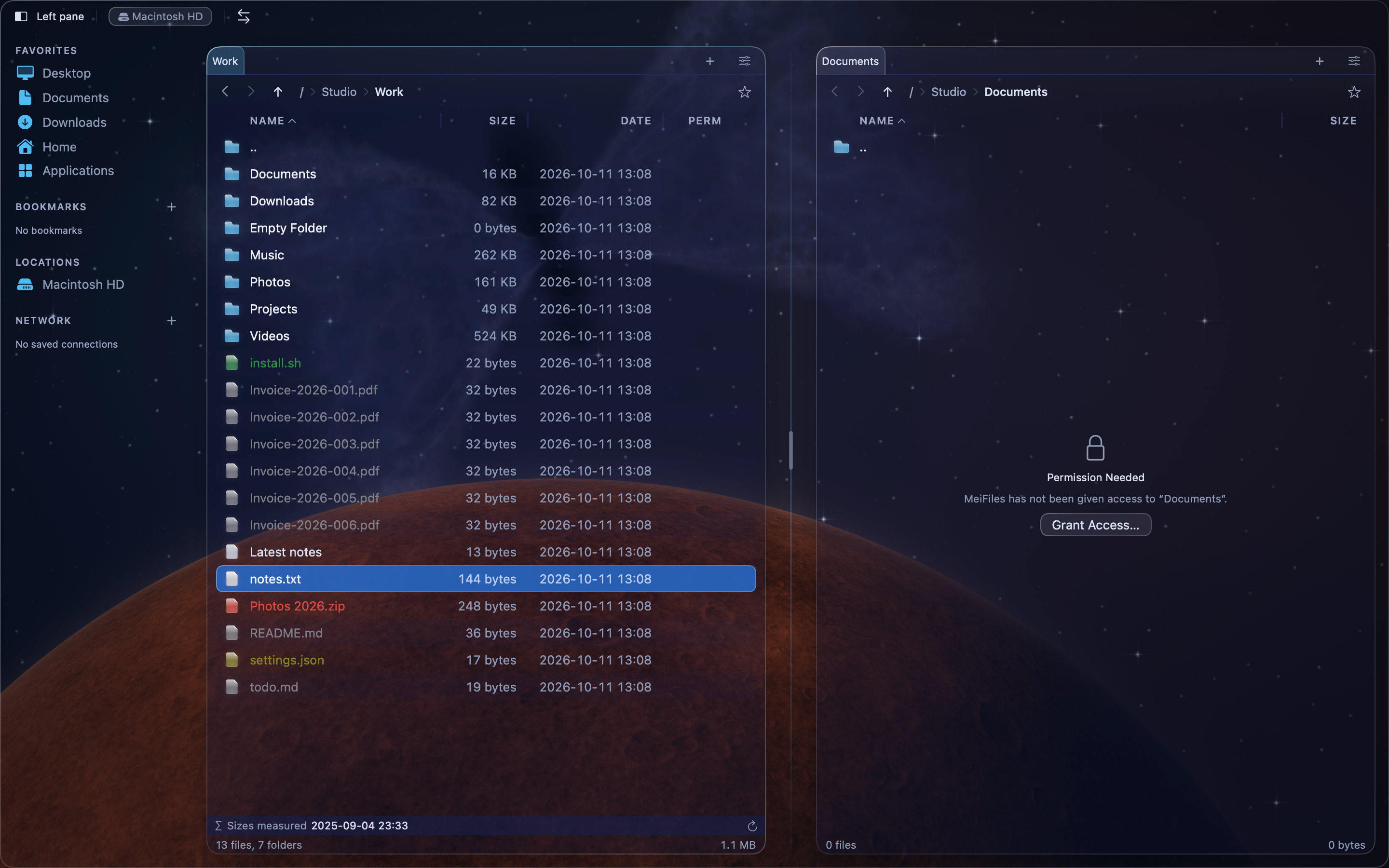
| Folder access | MeiFiles is sandboxed. It can open only the folders you choose, and everything inside them. | When a pane shows Permission Needed, or in Settings > General > File Access. |
| Desktop, Documents and Downloads | To list and manage the files in these folders. | If macOS asks, the first time you open one of them. |
| Removable and network volumes | To browse and transfer files on external disks and network volumes. | If macOS asks, the first time you open one. |
| Automation (Finder) | To ask Finder to empty the Trash. | The first time you choose File > Empty Trash…. |
| Network | To connect to FTP, WebDAV and S3 servers. MeiFiles only makes outgoing connections. | When you connect to a server. |
You can remove folder access at any time in Settings > General > File Access. You can turn off Automation in System Settings > Privacy & Security > Automation.
See also#
- Troubleshooting
- Support